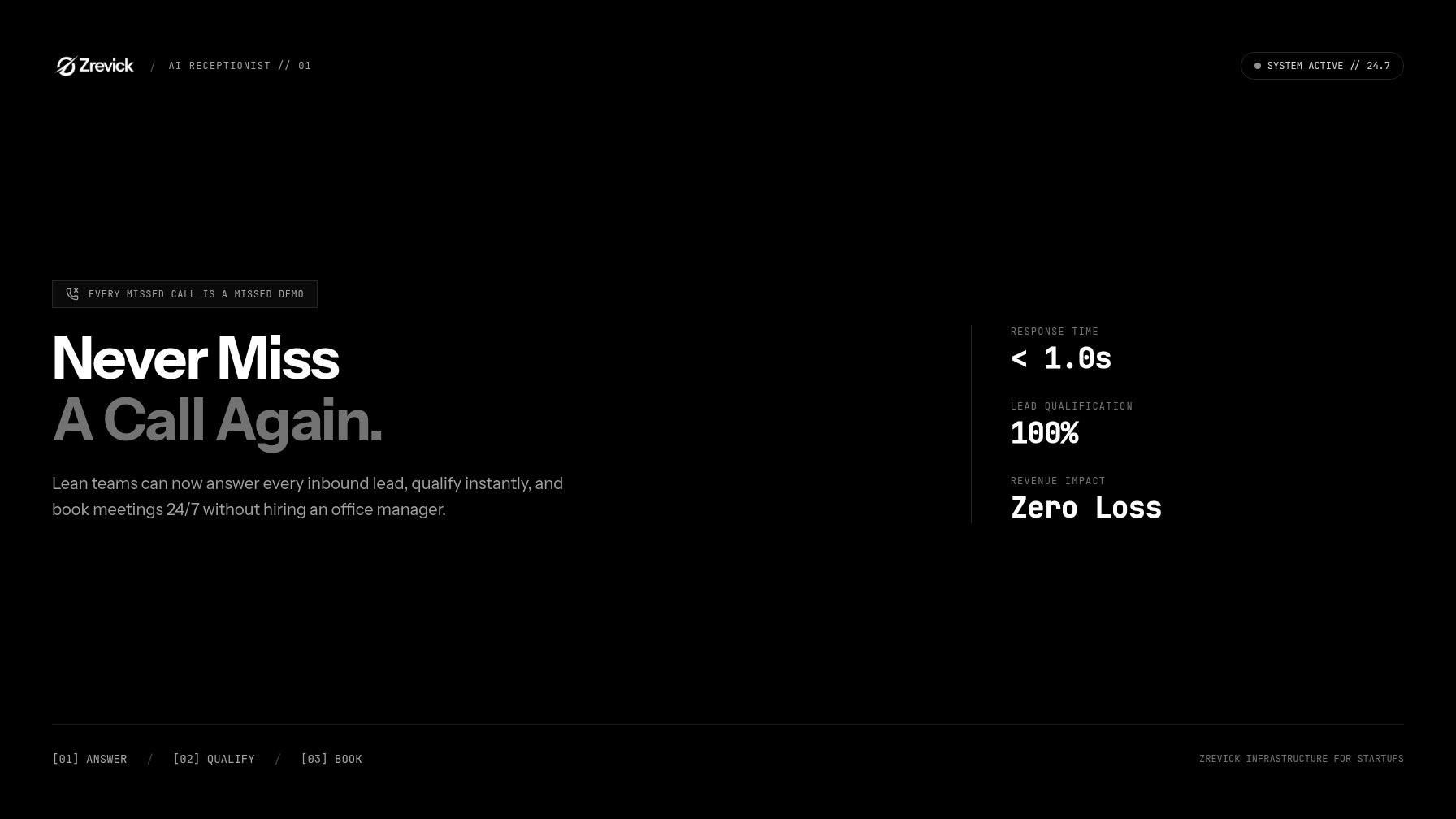
Every missed call at a startup is a missed demo. Sometimes it's the enterprise deal. The caller doesn't know you're a two-person team; they just know nobody picked up.
Most early teams can't watch the phone around the clock. That's why the AI receptionist for small business market has exploded: lean teams can now answer every call without hiring anyone.
Think of it as a first revenue hire, not an office convenience. This guide covers what these tools do, what they cost, and how to set one up in a week. By the end, you'll know whether the math works for your team.
Why startups miss revenue calls (and what each missed call costs)
Founders are the product, sales, and support team all at once. When you're mid-demo, deep in code, or on an investor call, the phone goes to voicemail.
Callers rarely leave messages. They just dial the next company on the list, and even a returned call hours later shrinks your odds. A Harvard Business Review study of online sales leads found a stark pattern: firms that called back within an hour were nearly seven times more likely to qualify the lead than those that waited two hours or more. Against firms that waited a full day, the gap topped 60×.
Now the cost math. Say your average contract is $2,000 a year and demos close at 20%. Each booked demo carries roughly $400 in expected revenue, so miss five calls a month and you've left $2,000 on the table. That assumes only a third of those callers would have booked.
So should a startup use an AI receptionist? If inbound calls carry revenue, yes. If every deal happens through a form and email, skip it. Most product companies sit somewhere in between, and an AI receptionist for small business teams covers the gap.
What an AI receptionist for small business actually does: answer, qualify, book
An AI voice agent for inbound calls does three jobs well.
Answer
It picks up in a second, every time. It handles product questions from your docs, pricing page, and policies, so callers hear answers instead of hold music. And unlike a phone tree, it can juggle several calls at once.
Qualify
It asks your screening questions: team size, use case, timeline, budget. Then it tags and scores the call and pushes a summary to your CRM and Slack. You get a triaged lead, not a garbled voicemail.
Book
Can it book demos automatically? Yes. Connect your calendar and the agent offers real slots, confirms, and sends the invite. No human in the loop.
That last step is where the economics live. A booked demo while you sleep beats a voicemail you'll return tomorrow.
Setup: call routing, product FAQs, calendar booking, founder escalation
You can get an AI receptionist for small business live in a week. Four pieces matter.
Call routing
Keep your existing number. Forward it to your AI phone agent through a telephony platform like Twilio, or port it over. Set business-hour rules too: the agent can answer everything, or only catch overflow when you're already on a call.
Product FAQs
Seed the agent with your top 20 questions, pulled from support tickets, demo recordings, and sales email. Keep each answer to two or three sentences. Review transcripts monthly and add what callers actually asked.
Calendar booking
Connect Google Calendar, Outlook, or Calendly. Give the agent your demo rules: length, buffers, blackout windows. It books, reschedules, and logs the meeting in your CRM.
Founder escalation
How does the agent handle questions it can't answer? Exactly how you configure it. Best practice: the agent never guesses on pricing or terms. It says someone will follow up, takes the caller's details, and pings you in Slack. Add a warm-transfer rule for hot leads when you're free. When unsure, capture and escalate.
Test for a week before you trust it. Call yourself, try to stump it, and listen for latency and awkward interruptions.
Voice choice: cloned founder voice vs. neutral agent
Cloned founder voice
Warm, personal, on-brand. It works for public founders whose voice is part of the product. But it raises disclosure issues: the FCC has moved against AI-generated voices in robocalls, and state AI-voice rules keep tightening.
Neutral agent voice
A clean, branded voice with a clear line up front: "You're speaking with an AI assistant." It feels less magical and much less risky.
The practical default is a neutral voice with clear disclosure. Save cloning for when your brand truly calls for it, and always get consent first.
Cost vs. a part-time VA or answering service
What does an AI receptionist for small business cost? Most platforms charge by usage. Expect roughly $30–$150 a month at light volume, and $200–$500 once calls stack up. Setup is a weekend of work, not a consulting engagement.
| Option | Typical monthly cost | Coverage | Trade-off |
|---|---|---|---|
| AI receptionist | $30–$500 | 24/7 | Limited to phone workflows |
| Part-time VA | $1,300–$2,000 | ~80 hours | Needs training; off-hours gap |
| Answering service | $50–$300 | 24/7 | Rigid scripts; per-minute fees |
A decent US-based VA runs $15–$25 an hour. Twenty hours a week lands around $1,300–$2,000 a month. A VA can do other admin work, but they sleep, take breaks, and miss nights and weekends.
The economics aren't subtle. Gartner expects conversational AI to cut customer service labor costs by $80 billion by 2026. The same math now reaches small teams.
For most startups, one saved demo a month covers the subscription. Everything after that is margin.
The bottom line
An AI receptionist for small business callers used to be a novelty. For a startup, it's a revenue channel: answer, qualify, book, escalate. Start small. Forward your main line, load twenty FAQs, connect a calendar, and route unknowns to Slack. Then measure what it saves you in demos booked, not calls answered. The phone will ring again while you're mid-demo. This time, someone picks up.