AI customer service software shouldn't be priced like payroll. Yet that's the deal most vendors offer lean startup teams: another helpdesk seat, billed per person, every month. Your team grows, your bill grows. Your AI gets smarter, your bill still grows.
The seat model made sense when humans answered every ticket. It doesn't now. Salesforce research found that 88% of customers say the experience a company provides matters as much as its products. Startups can't buy that experience with headcount alone. They need software that absorbs volume instead of adding seats.
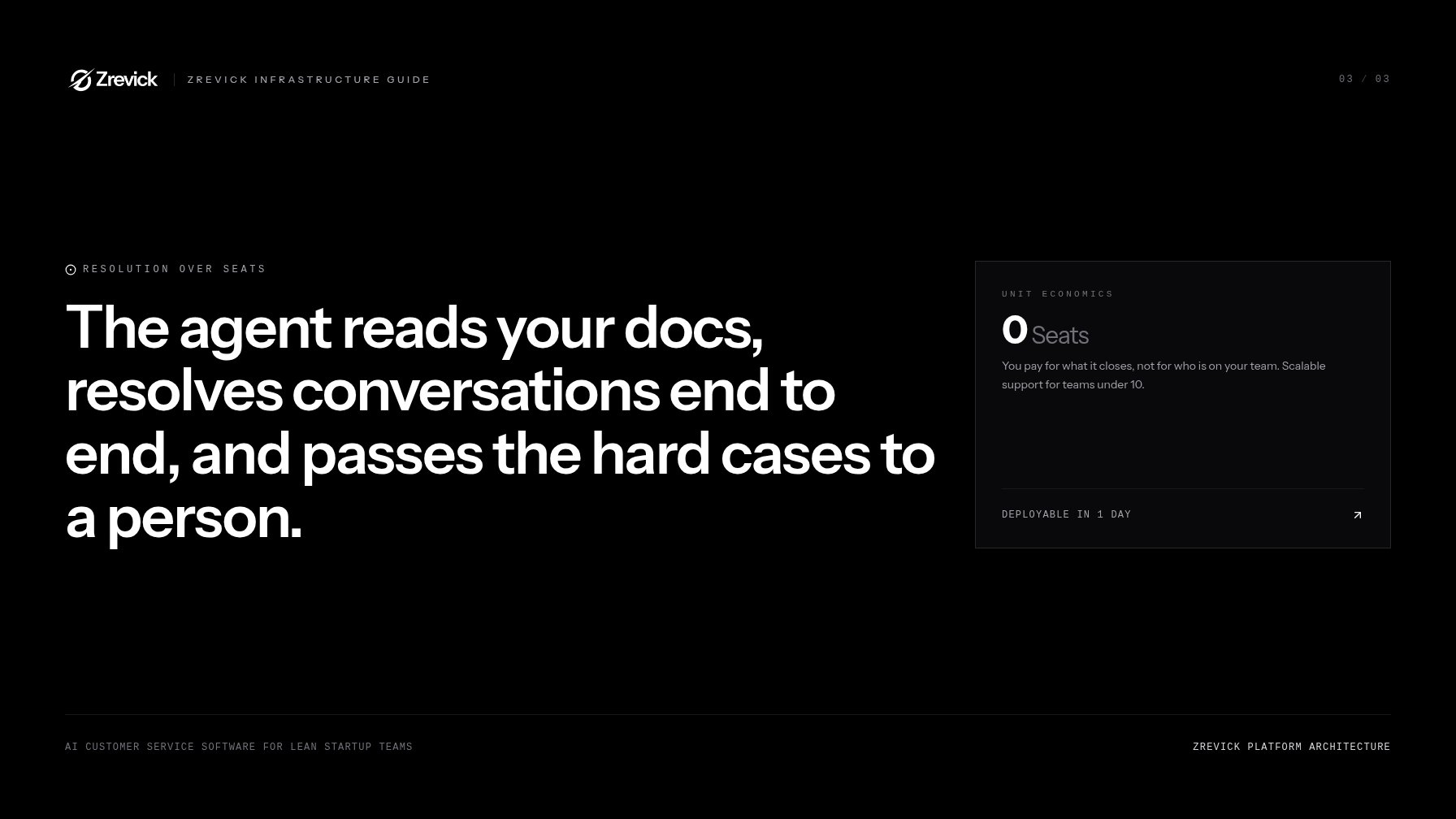
There's a better model: agent-first AI customer service software, priced on outcomes and deployable in a day. The agent learns your docs, resolves conversations end to end, and passes the hard cases to a person. You pay for what it closes, not for who's on the team.
This guide covers what to look for, what it should cost a team of five, and how to switch off a legacy helpdesk without breaking support.
Helpdesk software vs. AI service agents: what a team under 10 actually needs
Zendesk, Freshdesk, and Intercom all sell by the seat. You can verify that on their pricing pages or in any G2 helpdesk comparison. The seat is the unit of work: one human, one inbox, one fee.
AI service agents flip the unit. The unit becomes the resolution, a conversation closed with no human involved. The agent reads your docs, answers end to end, and hands off the rare hard case to a person.
For a team under 10 shopping for AI customer service software, that difference matters more than any feature list. Early-stage volume grows faster than headcount. A launch or a viral post spikes support overnight. Seat-based software answers a spike with a hiring plan. An agent answers it with capacity you already have.
Do I still need a helpdesk if I have an AI agent?
Usually no. But you do need a human inbox, and the right platform includes one. When the agent escalates, your people see the full transcript, a summary, and customer context in one place. That inbox can live in the agent platform itself.
Some teams keep their helpdesk as a system of record. That works too, as long as handoffs are clean. But most sub-10 teams find they're paying for workflow machinery built for teams they don't have yet.
What is the best AI customer service software for a startup?
The one that resolves, not drafts. Many "AI" tools generate suggested replies a human still has to send. That saves typing, not time, and it's the difference between real AI customer service software and a fancy autocomplete. Judge any tool by four tests:
- Does it train on your existing docs in a day?
- Does it resolve conversations end to end, or only assist?
- Does it escalate with context when it's unsure?
- Does it charge for outcomes, not seats?
Automated customer service for small teams only pays off when resolution is the unit of work. If you want the short answer now, agent-first platforms like Zrevick pass all four tests by design.
What AI customer service software must have: channels, docs, escalation, analytics
Whatever the vendor, real AI customer service software needs four things.
Channel coverage
Buy for where your customers actually write: email, chat widget, in-app messenger, Slack, WhatsApp, social. One agent should run every channel with one brain, so answers stay consistent wherever customers reach you. Start with your top two channels and expand as volume shows up.
Doc training
This is the difference between a good agent and an embarrassing one. The agent must ground every answer in your real content, whether that's the help center, docs, Notion, or Confluence, and cite the source. It should say "I don't know" when your docs don't cover something. That refusal is your hallucination guard. If a vendor can't demo this in 30 minutes, walk away.
Escalation
Hard cases should reach a human with the full thread, a summary, and routing rules you control. Billing questions go to the founder. Bug reports go to the on-call engineer. Your people spend their time on judgment, not triage.
Analytics
You need resolution rate, cost per resolution, CSAT, and your top ticket topics. Topic data is the quiet superpower. It tells you which docs to write next and which product rough edges drive tickets. Support becomes a product feedback loop instead of a cost center.
How long does implementation take?
Hours to first answers, not months. Connect your docs, test with your real questions, go live. Expect a week or two of tuning as you find gaps. Helpdesk AI add-ons are a different story: intent training, workflow builders, and per-seat rollout plans stretch setup into months. Zrevick teams typically train the agent in an afternoon and take their first live resolution within 24 hours.
Integration requirements: CRM, product data, and the 1,000+ tool reality
AI customer service software gets good when the agent knows who it's talking to. Doc grounding makes answers accurate. Integration makes them useful.
CRM context
Sync with HubSpot, Salesforce, or Pipedrive so the agent sees plan tier, account owner, and status. "Check your billing portal" is a bad answer. "You're on Pro, and here's the invoice you asked about" is a good one.
Product data
The agent should pull live data from your product: order status, subscription state, usage limits. Answers plus actions. Look up a refund, update an address, change a plan, all through REST APIs or native connectors instead of copy-paste.
The 1,000+ tool reality
Your stack is bigger than your headcount, and it changes constantly. Zapier's app directory alone lists thousands of integrations. No vendor builds native connectors for all of them. So require three things:
- Native connectors for your core stack: CRM, billing, Slack, docs.
- An open REST API and webhooks for everything custom.
- A connector layer like Zapier or Make for the long tail.
Ask about security before you buy: SOC 2 Type II, PII handling, and data retention controls. A serious vendor answers these questions before you ask.
Cost comparison: per-seat vs. resolution-based pricing
Support quality shows up in revenue. Zendesk's CX Trends research keeps finding the same thing: customers switch after bad experiences. So it pays to run the math before you buy AI customer service software.
The per-seat math for a team of five
Zendesk's published plans run from about $19 to $115 per agent per month. Freshdesk's paid plans start around $15 per agent. Five humans means roughly $75 to $575 a month before any AI. AI add-ons usually bill per seat too, often another $20 to $50 per agent.
So a five-person team can pay $300 to $700 a month for software that organizes conversations humans still answer themselves.
The trap
Seats bill for capacity, not outcomes. The AI handles 70% of volume and the bill doesn't drop. Tickets double and you buy seats anyway. Support cost scales with headcount, not customers. For a startup, that's backwards.
The resolution math
Per-resolution pricing exists too. Intercom's Fin agent runs about $0.99 per resolution. Say you get 1,000 conversations a month and the agent resolves 70%. That's 700 resolutions, or roughly $693. In a slow month of 200 resolutions, you pay around $200. The bill tracks the work.
One catch: Fin sits on top of a per-seat helpdesk. Agent-first platforms skip the seats entirely. You pay for resolutions and a human inbox, nothing else.
What should this software cost a team of five?
Cost should track volume, not headcount. For most five-person teams handling 500 to 1,500 conversations a month, per-resolution pricing lands between $300 and $800. The exact number depends on your resolution rate and ticket complexity. When you shop for AI customer service software, ask every vendor two questions. What's the cost per resolution? And what happens to my bill in a month where volume halves? If the answer is "nothing changes," you're buying seats with extra steps.
| Cost model | Per-seat helpdesk | Resolution-based agent |
|---|---|---|
| Unit of cost | A human's inbox | A closed conversation |
| Slow month | Same bill | Bill drops |
| Volume doubles | Buy more seats | Bill scales with work |
| Aligns with | Headcount | Customer growth |
Migration path off a legacy helpdesk without breaking support
You can move to AI customer service software in weeks, without a support blackout. Here's the path lean teams use.
Week 0: Audit
Export your last 90 days of tickets. Find your top 20 question types. Check whether your docs actually answer them, and fix the gaps first. Most tickets come from a handful of causes.
Day 1: Train
Connect your docs to the agent and test it against your top 20 real questions. You'll know within the hour whether it's ready.
Week 1: Shadow
Run the agent in draft mode alongside your helpdesk. Humans still send every reply, but the agent writes them. Measure accuracy before anything goes live.
Week 2: One channel live
Route a single channel to the agent. Email is usually safest. Set escalation rules, and keep the helpdesk on everything else.
Weeks 3 to 4: Expand and decide
Compare CSAT and resolution time across channels. Shift the rest over. Then decide whether the old helpdesk stays as an inbox or goes entirely.
Three rules keep support safe during the move:
- A human escalation path exists at every stage. Test handoffs before each cutover.
- Read the first 100 resolved transcripts yourself. Tune first, then trust.
- Keep your data portable. Export contacts and history before you cancel anything.
Total timeline: two to four weeks for most lean teams, with the first live resolution on day one.
The short version
AI customer service software isn't a helpdesk add-on anymore. For lean teams it's a teammate. It trains on your docs, covers every channel, escalates with context, and costs nothing when there's nothing to resolve.
That's the bar. Seats become resolutions, and months of setup shrink to a day.
Zrevick was built to that bar. Train it on your docs in an afternoon, deploy it across every channel, and pay per resolution, never per seat. Your humans keep the conversations that need judgment. The agent takes everything else.
Book a Zrevick demo. Connect your help center beforehand, and watch it answer your top 20 questions before the call ends.